Search
Content search across the whole library
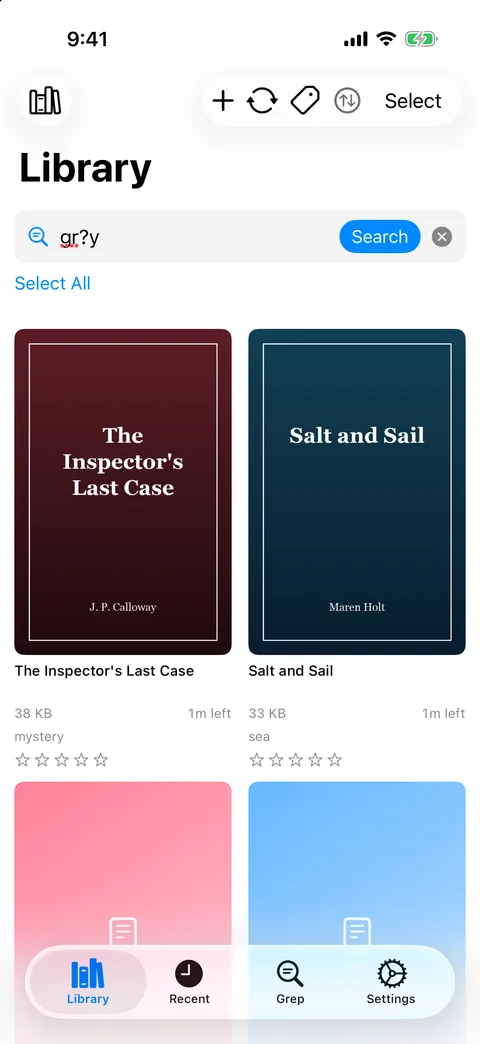
Choose Content (inside files) in the Library search menu, enter keywords separated by commas and press Search. GrepTag opens each EPUB and TXT book, extracts its text and lists the books that contain at least one keyword in the text or the file name.
- Case-insensitive and accent-insensitive
- Substring matching:
seaalso matches “season” - EPUB text is read without rendering pages, which keeps memory use low on large or illustrated books
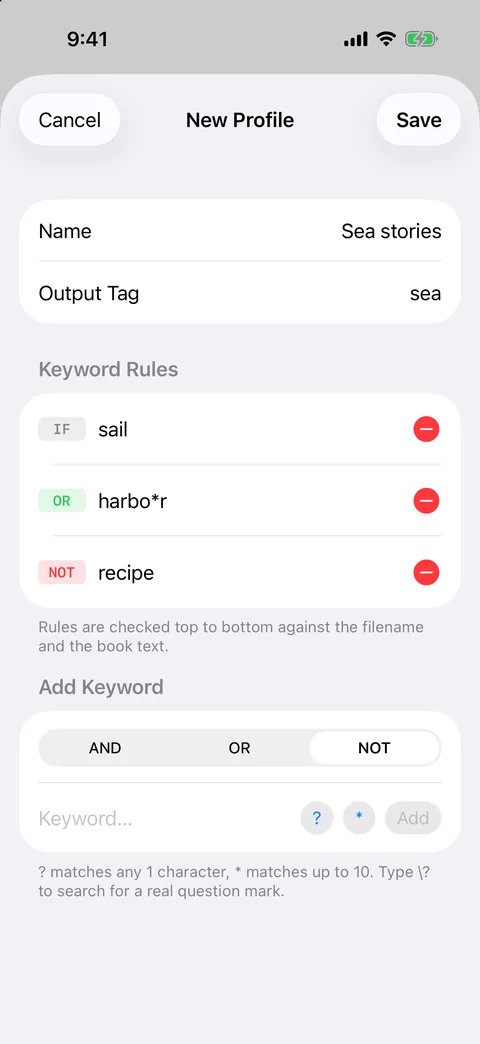
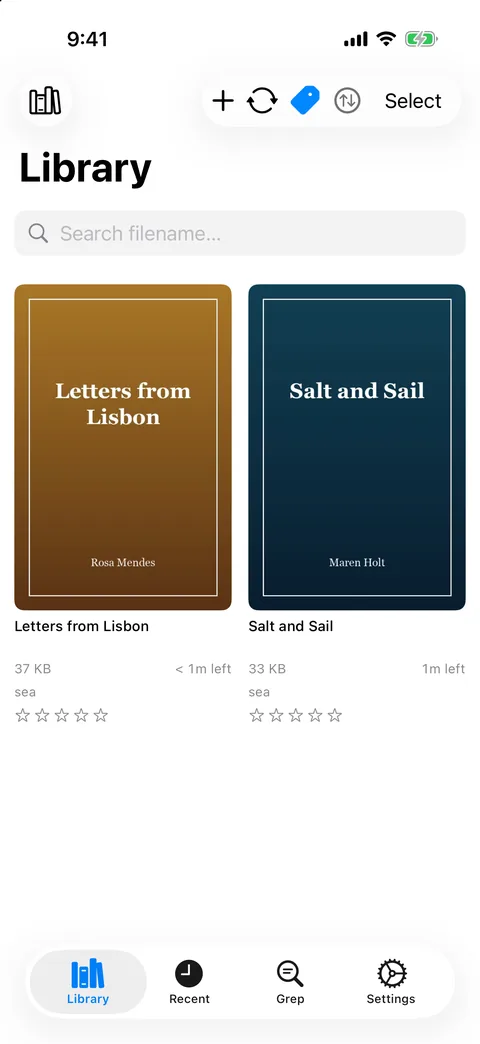
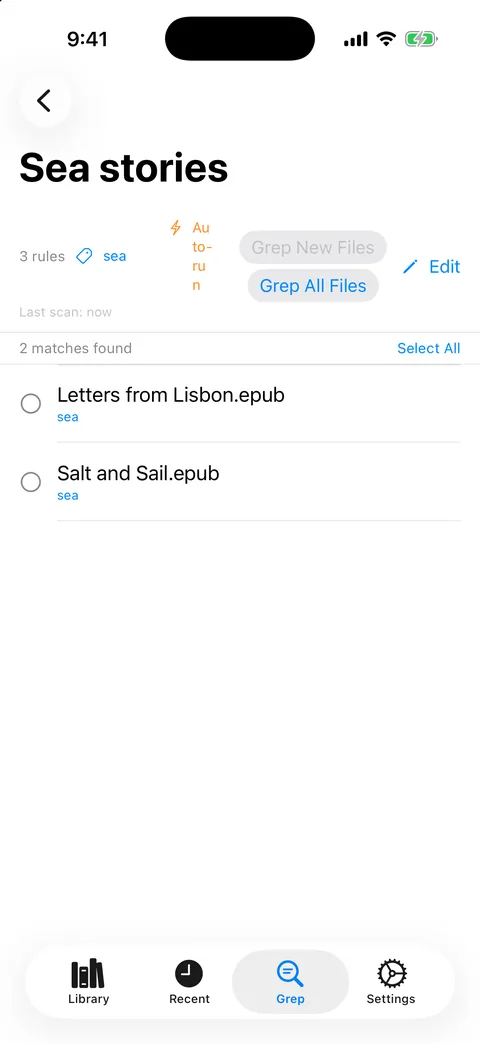
Available on iPhone, iPad and Mac. On Windows, the Library search box covers file names and tags; content matching runs through profiles.